Jebel Ali Vessel Discharge & Berth Schedule Tracking Guide
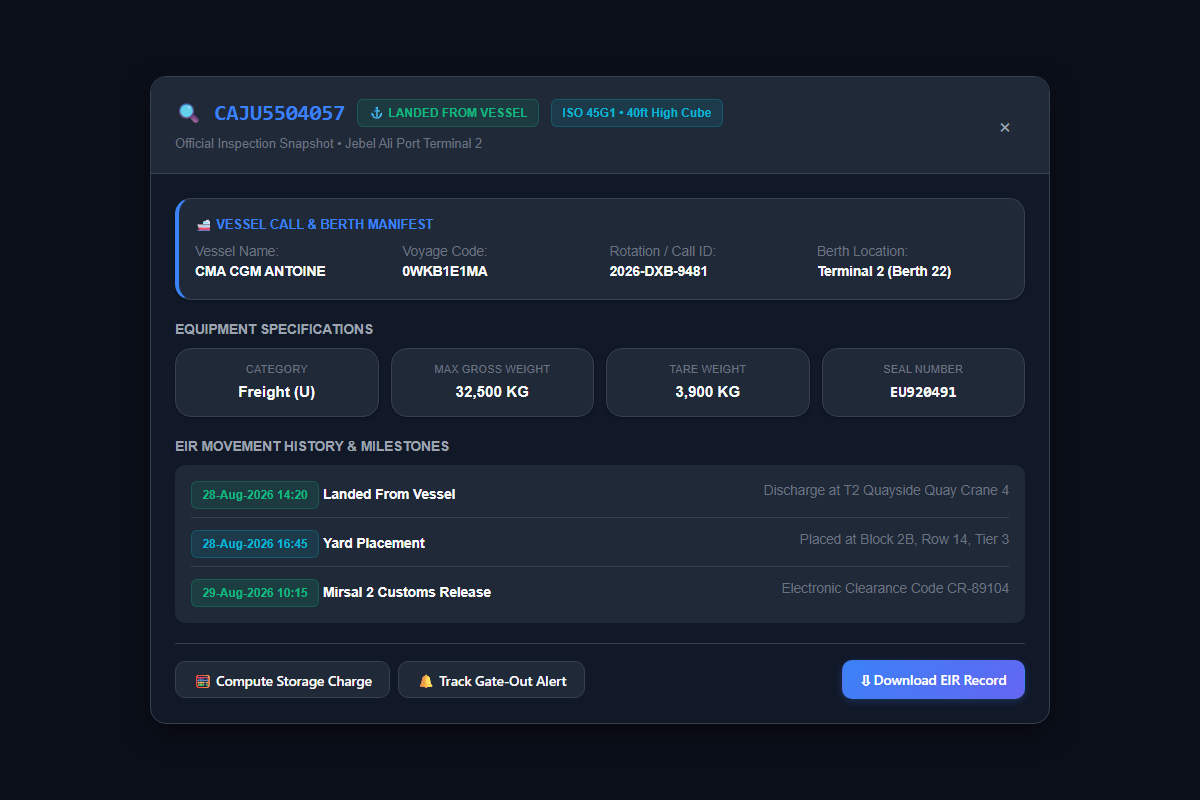
Operational Context: Container tracking does not start when a truck picks up your box—it begins when the mother vessel berths alongside DP World Jebel Ali quayside. Understanding vessel rotation numbers, berth assignments, and discharge sequences enables logistics teams to accurately predict when containers transition to LANDED FROM VESSEL and initiate customs clearance without dwell delays.
1. Understanding Vessel Rotation Numbers & Call IDs
When an ocean carrier (such as Mediterranean Shipping Company, Maersk Line, CMA CGM, or Hapag-Lloyd) schedules a container vessel to call at Jebel Ali Port, DP World port control assigns an official Rotation Number (e.g. 2026-DXB-9481).
This rotation number is critical because:
- It officially binds the ocean carrier's import manifest to DP World's terminal operating system.
- It establishes the electronic container declaration records inside Dubai Customs' Mirsal 2 portal.
- It determines the exact quayside berth and crane gang deployed to discharge your cargo.
2. The Four Terminals of Jebel Ali Port (T1, T2, T3, T4)
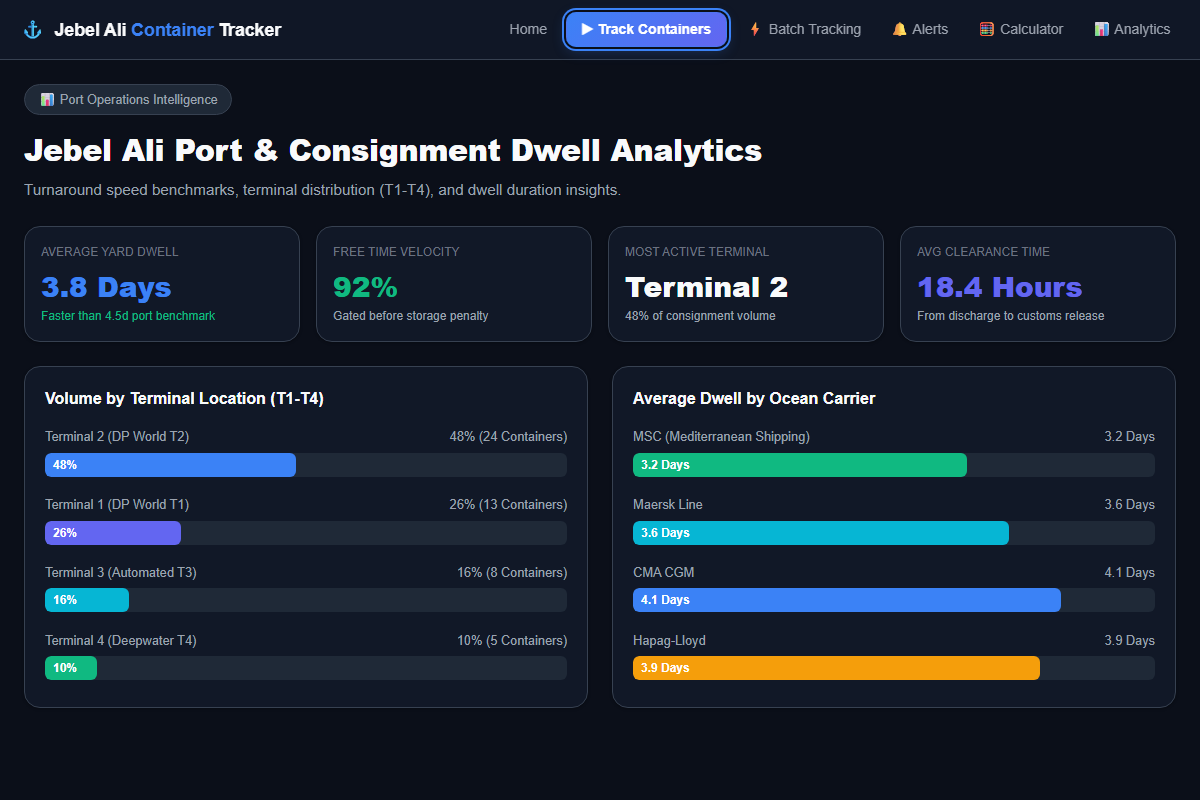
Jebel Ali has four container terminals. Your vessel's terminal decides where the container is stacked and which gate the truck uses:
Mainline and regional feeder services. T1 notes →
Handles many deep-sea mainline services. T2 notes →
Semi-automated terminal. T3 notes →
The newest terminal, with automated stacking. T4 notes →
3. How to Track From Vessel Arrival to Gate-Out
- Input Container List: Paste container numbers into the Tracking Workspace to verify current milestone status.
-
Detect Discharge Milestone: When the container is transferred from ship to dock, status updates to
LANDED FROM VESSEL, establishing Day 1 of DP World terminal storage free time. - Review Terminal Assignment: Check whether your box is positioned at Terminal 1, 2, 3, or 4 to advise your haulage company on the appropriate port gate entry.
- Check Customs Release: Confirm Mirsal 2 electronic clearance code before generating DP World TAS pickup tokens.
-
Confirm Transporter Gate-Out: Once your haulier picks up the container, verify the status transition to
TO TOWNand save the electronic EIR record.